

You do not need to run an AI review every time you want to learn from your trading. Trade Intelligence Center includes a deterministic analytics layer that can turn saved Trade History into performance evidence without consuming AI Credits.
That makes it useful as a regular review tool: check the evidence as often as you want, then add AI only when a deeper written synthesis would genuinely help.
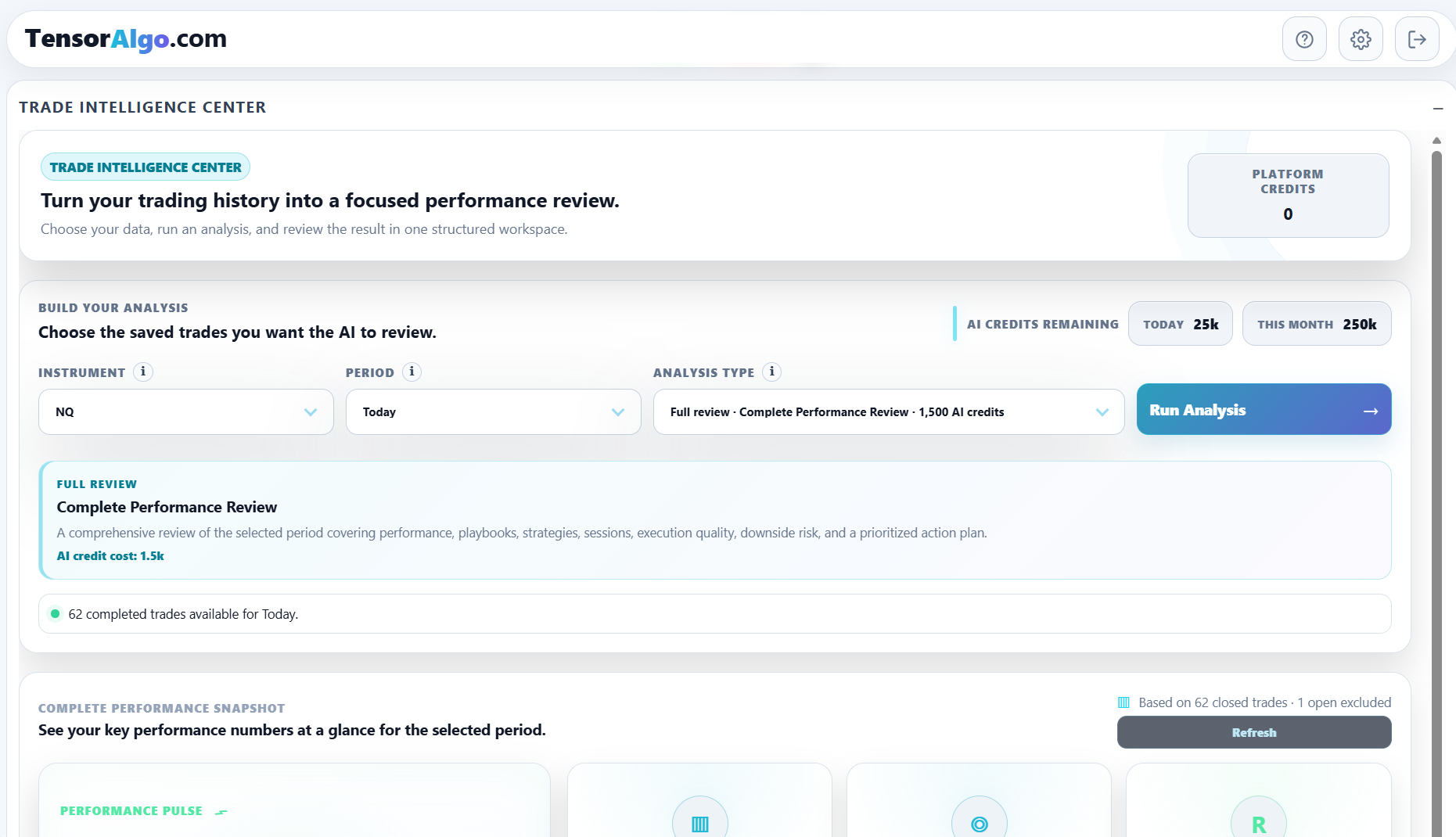
Load the sample you want to understand
- Open or add Trade Intelligence Center.
- Select the supported instrument.
- Choose a period or specific date.
- Let the performance snapshot load.
- Review the deterministic metrics, contributors, highlights, and sample-size guidance.
You do not need to select Run Analysis to use these standard analytics.
Start with the performance snapshot
Depending on the selected sample and available data, the deterministic view can include values such as:
- total and average R;
- completed-trade count;
- win rate;
- average and total points;
- average hold time;
- Playbook and strategy contribution;
- session contribution;
- execution observations;
- downside/risk observations.
The goal is to make the sample easier to inspect before adding any narrative interpretation.
Ask a specific question of the data
A deterministic review is more useful when you start with a question. For example:
- Which Playbook contributed the most R?
- Is one strategy creating most of the downside?
- Are results concentrated in one session?
- Is an execution issue appearing repeatedly?
- Is the apparent edge supported by enough completed trades yet?
Use the contributor tables and highlights to narrow the question rather than treating one top-line metric as the whole story.
Read trade count together with the result
A large R result from a tiny sample is not the same as the same result supported by a broader set of completed trades. Trade Intelligence Center includes sample/evidence guidance for that reason.
Treat early observations as something to monitor. A deterministic conclusion can still be useful without being strong enough to justify a Playbook change immediately.
Compare the deterministic view with Trade History
When a contributor or session stands out, return to Trade History and inspect the underlying rows. This helps you understand whether the aggregate is broad or dominated by one unusual trade.
Then come back to Trade Intelligence Center and continue the review with the context of the actual records.
When to add AI
Use an optional AI review when you want TensorAlgo to consolidate the deterministic evidence into a more structured written analysis or prioritized action plan.
That is a choice, not a requirement. The standard analytics remain useful when you want to preserve AI Credits or simply prefer to make the interpretation yourself.
If the deterministic view is empty
Check:
- that an instrument and period are selected;
- that completed trades exist for that scope;
- that the requested range is inside the current historical-data entitlement;
- that the filter/period is not excluding the records you expect;
- whether the sample is empty versus merely too small for strong conclusions.
A low-sample message is not an error. It means the available completed-trade evidence is still limited.